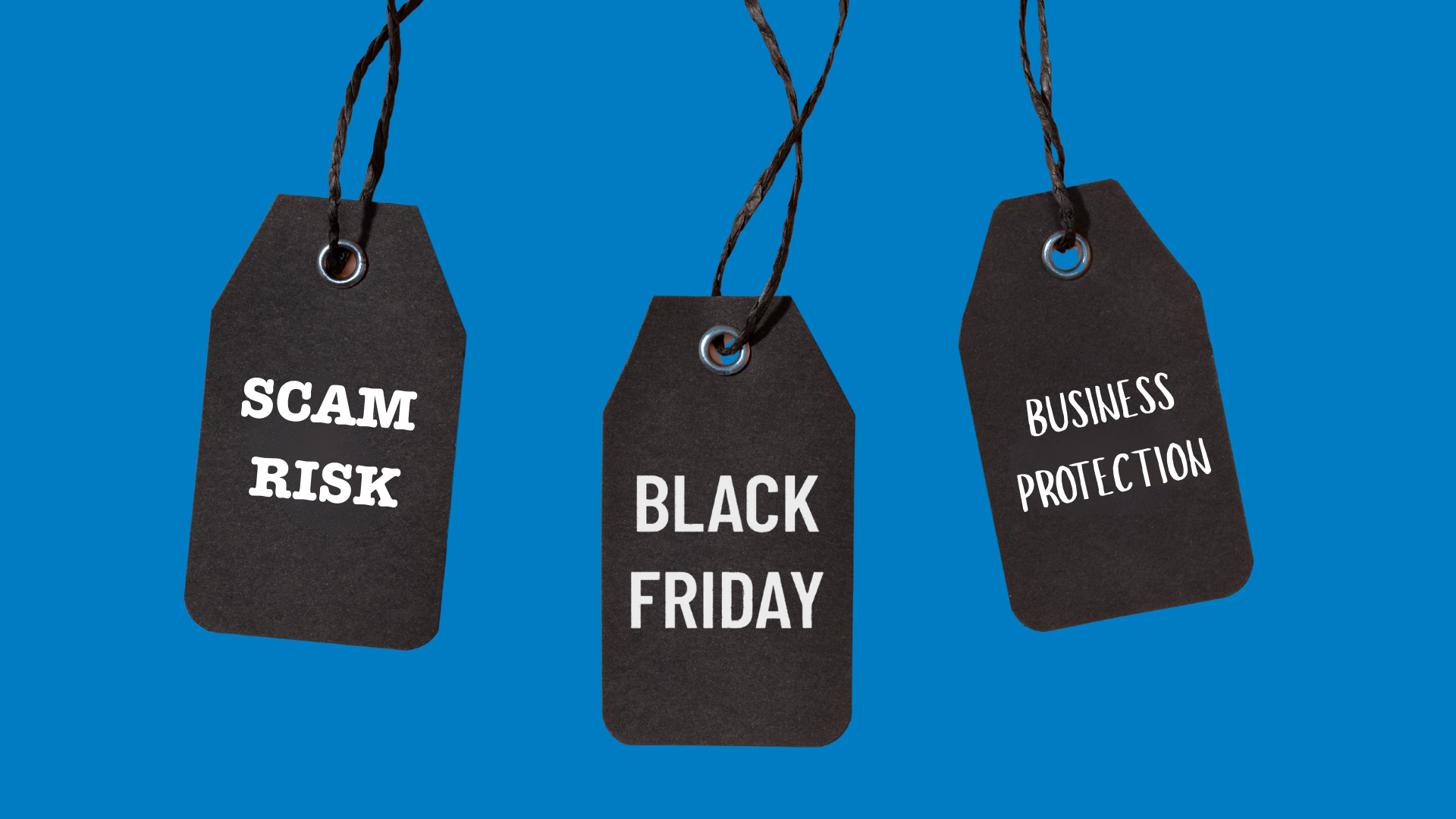

Black Friday falls on 27 November this year, with Cyber Monday close behind on 30 November. The deals started weeks ago, so your inbox is probably already full of offers from every supplier you’ve ever bought from, along with a steady stream of order confirmations and delivery updates, and that busy inbox makes it much harder to keep scammers out of your business.
That’s exactly what scammers are counting on. When you’re expecting a parcel, a fake delivery email fits right in. When you’re busy, you click faster and check less. Here’s why this time of year needs a little extra care, and a few simple habits that will keep your business safe.
Why this time of year is risky for a business
For most businesses, it comes down to five things that all happen at the same time:
Your people are shopping on work kit. When staff do their Christmas shopping on work laptops and phones, the order confirmations and delivery updates land in their work inbox. A fake delivery message then blends right in, and clicking it feels perfectly natural.
The fakes look real. Scammers now use AI to copy genuine order confirmations, “problem with your payment” emails and missed delivery texts, down to the logos and wording. They time them to arrive just when people are expecting a parcel, so they’re very hard to tell apart from the real thing.
You may be taking more orders. When orders pile up, the usual checks often get rushed or skipped. That gives fake orders, stolen cards and “I paid too much, please refund the difference” requests the perfect chance to slip through.
Invoice fraud picks up. A supplier email saying “our bank details have changed” is one of the oldest tricks around. In the rush to clear desks before Christmas, payments get approved quickly and nobody stops to check.
Cover is thinner. With people on leave, the colleague who would usually spot something odd may well be on a beach somewhere. Unusual requests then land with whoever is covering, and they may not know what normal looks like.
What one wrong click can cost
Clicking a fake delivery link takes two seconds, but the clean-up can take weeks. One stolen password can give a criminal access to your email, your files and your customer data. One fake invoice can send a payment straight to their bank account, and getting that money back is slow and often impossible.
On top of that, you have the lost time, the awkward calls to customers and possibly a data breach to report. Suddenly that quiet week in December looks very different.
The good news is that a few simple questions will stop most of these scams before they do any harm.
3 questions to ask yourself when an order comes in
If you sell online, take orders by phone or email, or handle customer payments, run each new order past these three questions. It only takes a minute, and it could save you a lot of money.
- Does this order look like our usual customers? Watch out for a first-time buyer placing a large order, someone in a hurry for delivery, an overseas shipping address, or a delivery address that doesn’t match the billing details. Any one of these on its own is usually fine. When you see two or three together, it’s worth taking a closer look.
- Has anything changed at the last minute? Scammers often switch details once an order is underway, such as a new delivery address, a different payment method or a request to pay by bank transfer instead of card. Another common trick is to overpay and then politely ask for the difference back. If something changes, pause and call the customer on a number you already have.
- Has the money actually arrived? Fake “payment sent” emails and edited screenshots of receipts are easy to make. Log in to your bank or payment provider and check for yourself, and only send the goods once the money is in your account.
3 questions to ask yourself when you buy something
The same applies when you or your team are doing the buying, whether it’s for the business or for the family. Ask these three questions every time.
- Do I know this seller, and did I go to them myself? Links in emails, texts and social media adverts can take you to convincing copies of real shops. Type the website address in yourself or use the app you already have, and check the spelling, as fake sites often add an extra letter or use a slightly different ending.
- Why am I being rushed? Countdown timers, “only 2 left” banners and prices far below everyone else’s are all designed to make you buy before you think. Be especially careful if the only way to pay is by bank transfer or gift card. Paying by credit card gives you much more protection if something goes wrong.
- Did I actually place this order? When a confirmation, delivery update or “payment failed” message arrives, stop and ask whether you bought anything from that company. If you did, check the order by going to their website or app yourself. If you didn’t, delete the message and don’t click anything in it.
Five quick wins to keep scammers out of your business before 27 November
Alongside those questions, a few practical steps will make your business much harder to catch out.
- Turn on multi-factor authentication (MFA) for email and every account that holds company data. Even if a scammer steals a password, they still can’t get in without the second check on your phone.
- Install those pending updates on laptops, phones, apps and the office router. Updates close the gaps that criminals look for, and all those “remind me tomorrow” clicks leave them open.
- Send your team a short note before Black Friday. Show them what the fakes look like and remind them to stop and check before they click.
- Agree who to call. If someone clicks a bad link, the first hour matters. Make sure everyone knows who to tell and how to reach them, including over the holidays.
- Keep personal shopping off work devices where you can, and use a password manager instead of saving card details in the browser.
How Absolute Technology can help
If an email looks odd, a supplier has suddenly changed their bank details, or someone has clicked something they wish they hadn’t, give us a ring. The sooner we hear about it, the easier it is to put right.
We help businesses across Hampshire with:
- Setting up MFA and keeping updates under control across laptops, phones and the office network
- Checking your email protection is catching the fakes before they reach your team
- Short, friendly briefings that help your staff spot scams
- Cyber Essentials and Cyber Essentials Plus certification, which puts the core protections in place and shows customers you take security seriously
- Fast, practical support when something goes wrong, so you always know who to call
If you’d like a hand, call us on 0345 225 1047 or get in touch through our contact page.
You might also find our guide to Cyber Essentials vs Cyber Essentials Plus useful.
Frequently asked questions
What should we do if someone has already clicked a suspicious link?
Tell your IT support straight away, even if it feels embarrassing. Using a different device, change the password for any account involved and make sure MFA is switched on. The sooner it’s reported, the less damage it can do.
Is it safe for staff to shop on work laptops and phones?
It’s best avoided. Work devices hold company email, files and saved logins, so one bad link while shopping for presents puts all of that at risk. A simple rule works well: personal shopping goes on personal devices.
How do we know if a Black Friday email is genuine?
Go straight to the retailer’s website or app instead of clicking the link. If the offer or order is real, you’ll find it there. If you can’t find it, treat the email as a fake and delete it.
We sell online. How do we protect ourselves from fake orders?
Run every order past the three questions above and always confirm payments in your bank or payment provider. It also helps to agree a simple rule for large or unusual orders, such as a quick phone call to the customer before anything is sent.
Does Cyber Essentials cover this?
Cyber Essentials covers the basics that limit the damage if someone does click: malware protection, up-to-date software, secure settings, access controls and MFA. Combine it with a team that knows what to look out for and you have a strong defence.